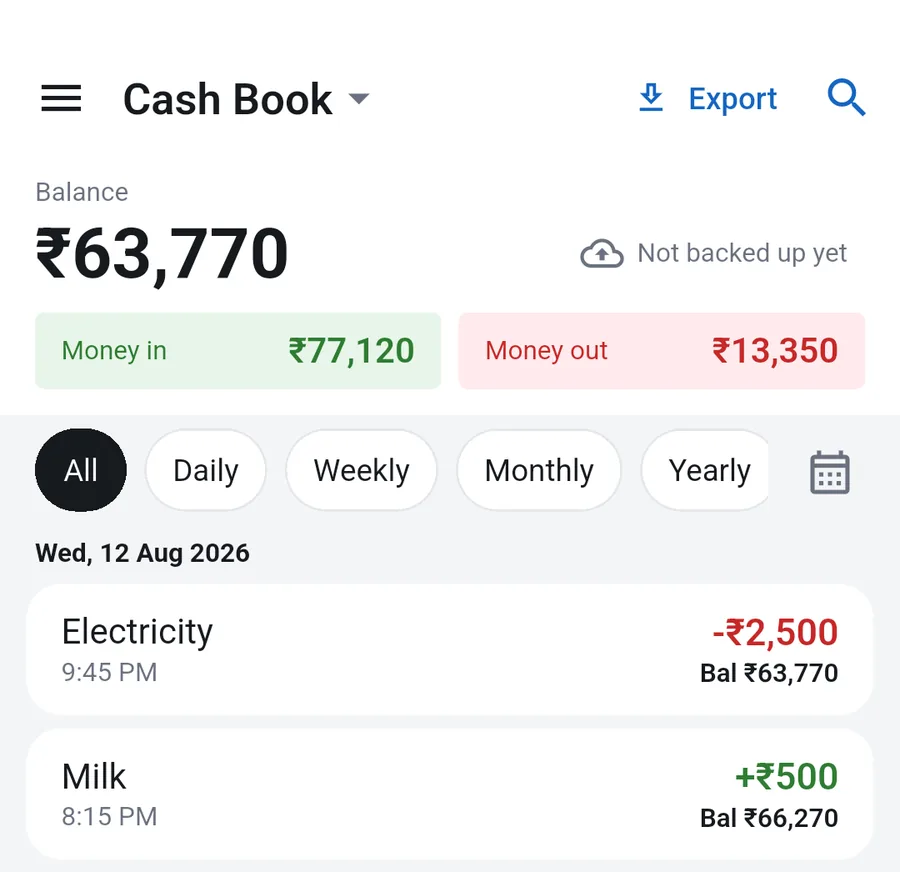
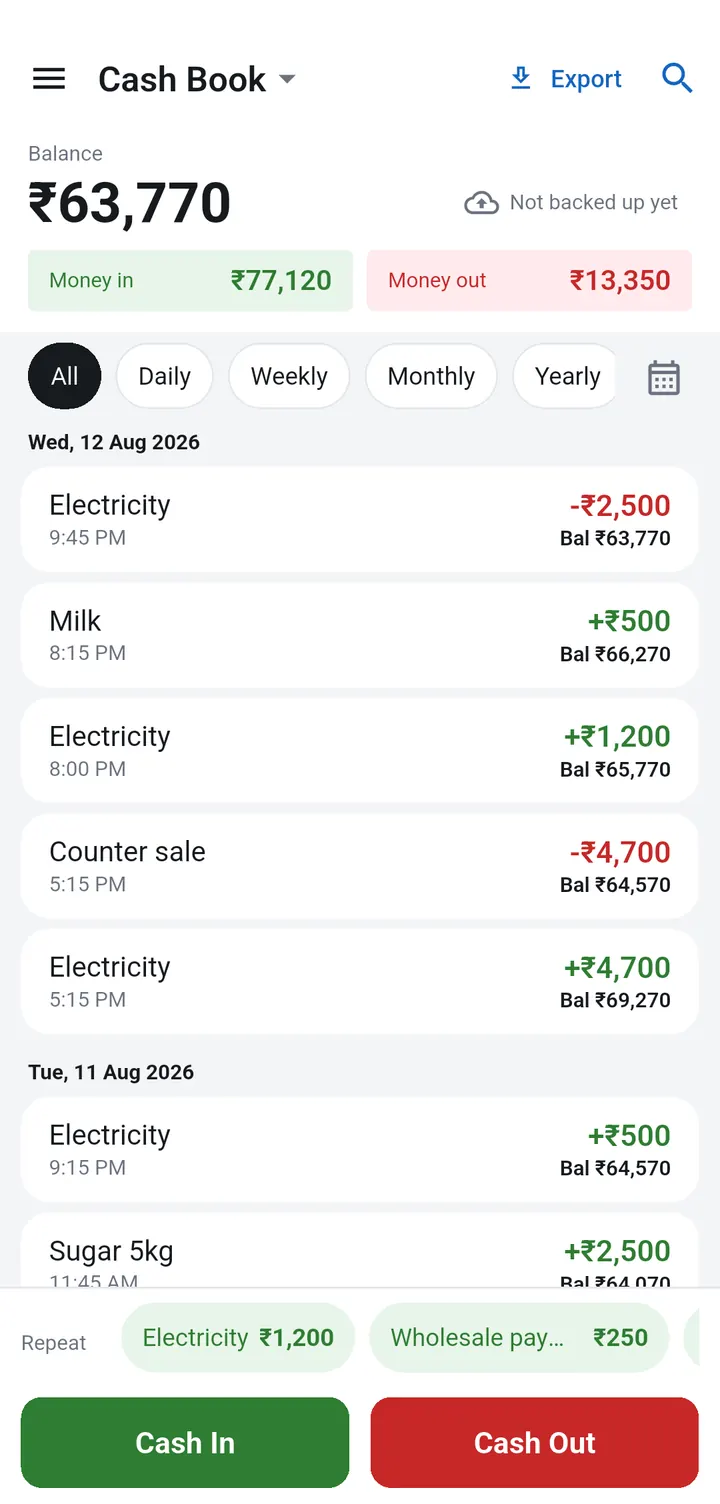
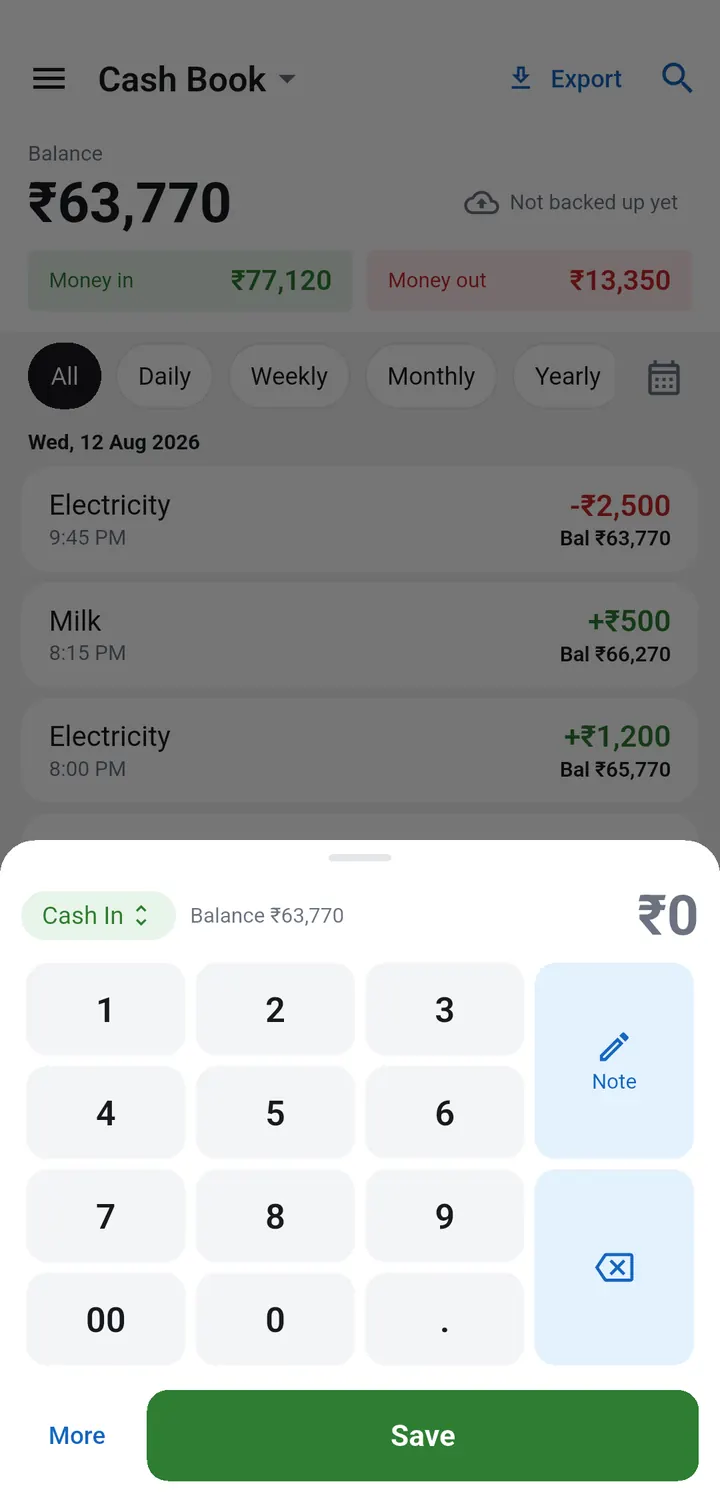
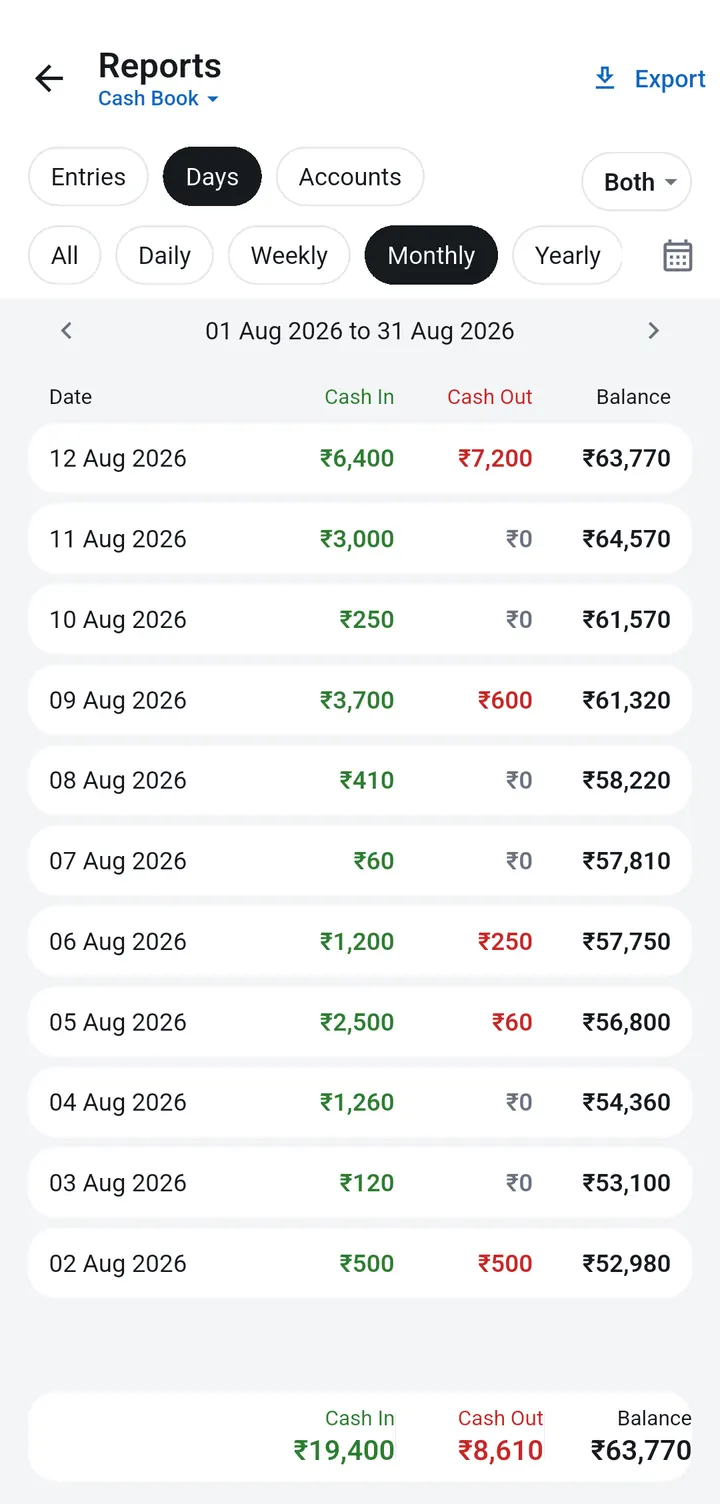
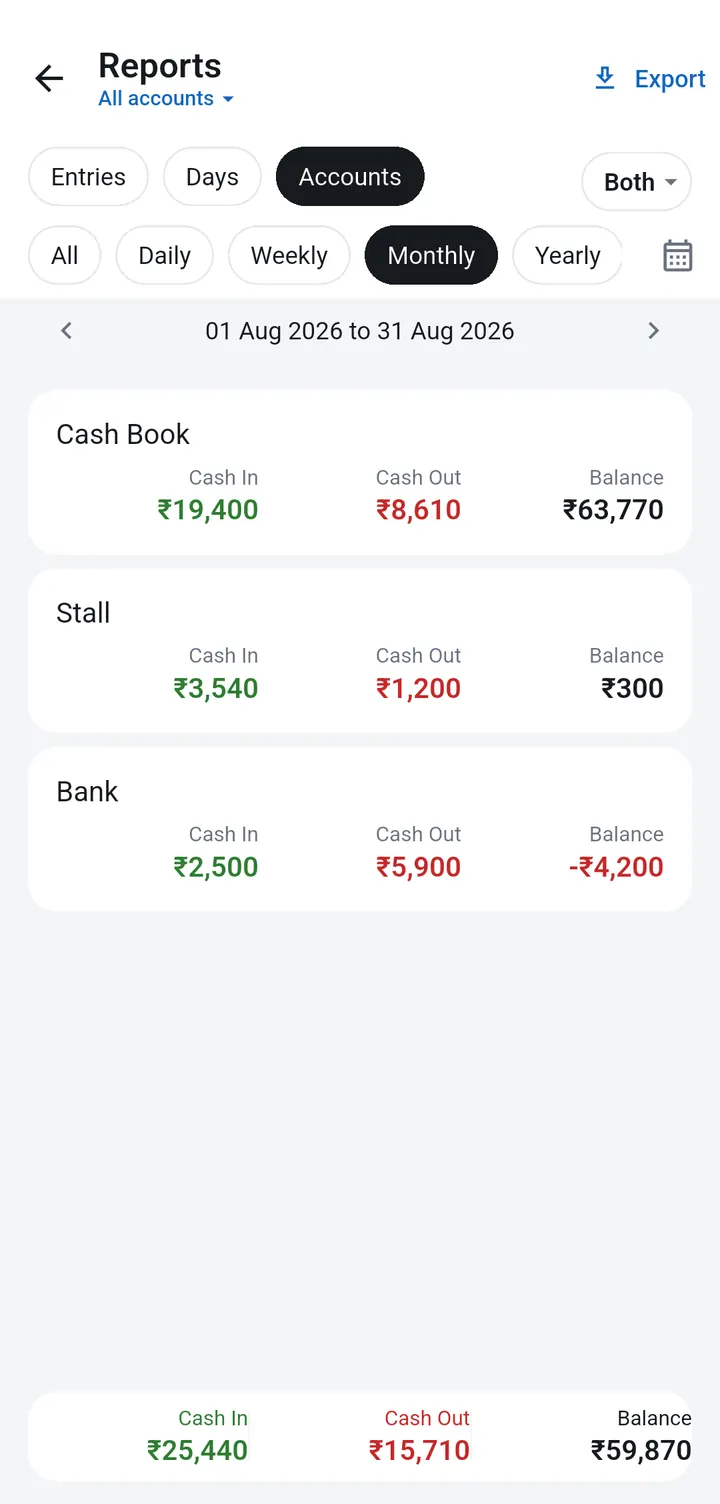
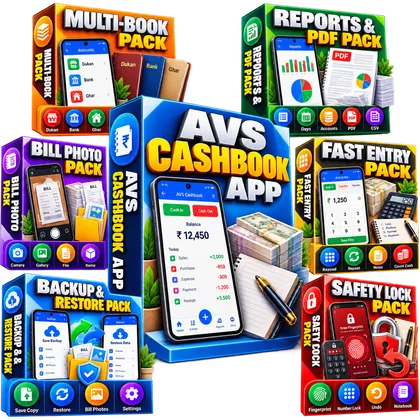
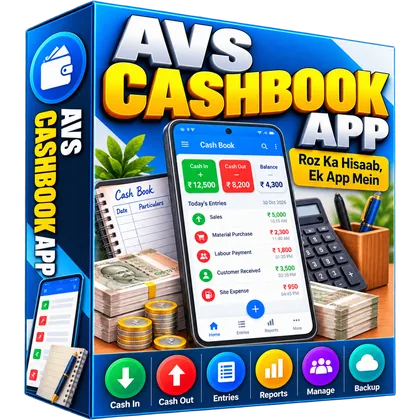
Tap Cash In or Cash Out, type the amount, Save. The balance updates on every entry. Keep separate books for the shop, the stall and the bank, see reports by day or month, send a PDF to your accountant and keep a photo of every bill with one simple Android app, without a diary, a register or a monthly fee.

One-Time Payment | Lifetime Access | Activation Code by Email
One simple flow on your phone, from opening the shop to the PDF you send your accountant.
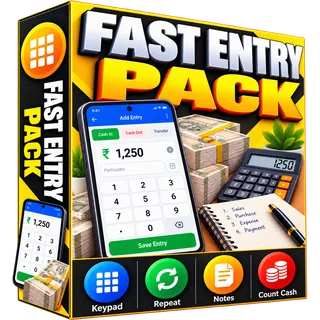
Two big buttons, a keypad and Save. Repeat chips for daily entries.
Every entry shows the balance beside it, to check against the galla.
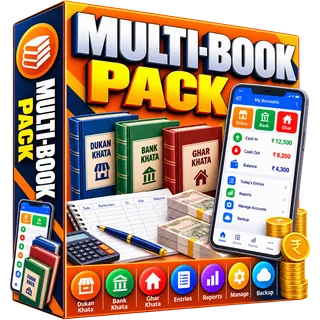
Shop, stall, bank or home, with Transfer between them.
Daily, weekly, monthly reports, a PDF statement and CSV.
Book setups, month close.
Add-onCSV report, CA checklist.
Add-onBill register, photo guide.
Add-onGalla count, entry names.
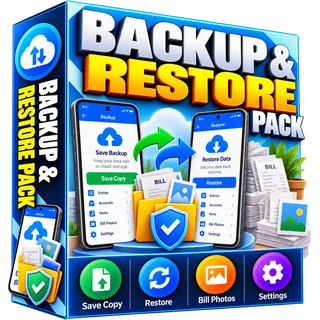
Add-onBackup log, restore guide.
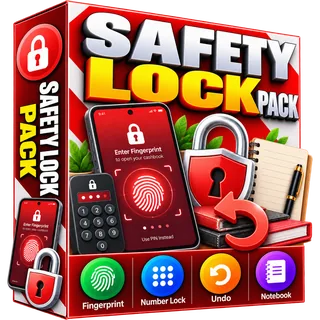
Add-onLock, bin, shop to-dos.
Add-onEntries, balance, books, reports, files, bills and backup, all in one Android app that works without internet.
These are the app's own screens on an Android phone, with a sample shop you replace with your own entries.
Six add-on packs on the checkout, or all 6 for ₹299. Excel sheets and step by step guides you fill with your own shop's details.

A planner for your shop, stall, bank and home books: opening balances, month-end totals from Reports > Accounts, transfers and a 6-month heatmap. Plus 12 ready book setups.

Paste the CSV the app makes and get a 12-month report, a day by day grid and totals for every note. Plus a month-end checklist for your accountant.

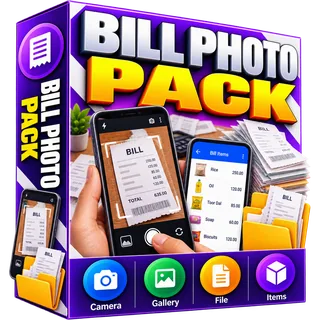
A bill register that shows which bills still need a photo or an entry in the app, and a step by step guide to bill photos and items.

A daily galla count sheet matched with the app balance, and 52 ready entry names in English and Hindi for repeat chips and notes.

A backup log that turns yellow after 7 days without a copy, and a guide to Save a copy and Restore on a new phone.

Set up the fingerprint or 4 digit lock, bring back deleted entries, and 32 ready shop to-dos for the app's Notebook.
Counter sales, wholesale payments, daily balance.
Sales, stock purchases and shop expenses.
Cash every day, a stall book and a home book.
Counter, wallet and bank in separate books.
Daily cash, bank deposits and bills.
Service cash, staff advances, expenses.
Market cash in and out, day by day.
Work cash, material and home spending.
🔑 Right after payment you get the Play Store link and your activation code on the thank you page and by email.
Android phones only. You install AVS Cashbook from the Google Play Store. There is no iPhone version.
After payment you get the Play Store link and your activation code. Install the app and open it: the first screen asks for the code. Type it and tap Start. It is asked only once and works even without internet.
Yes. You pay once. The code unlocks the full app for life, with no renewal and no monthly fee.
No. Entries, reports and PDFs all work offline. Internet is needed only to send a file on WhatsApp or save a backup to Google Drive.
On your phone. There is no account and nothing is sent to us. Save a copy to Google Drive, WhatsApp or Gmail, and restore it on a new phone.
The app's buttons are in English. You can type your notes in Hindi, and they print in the PDF.
No. The app is a cash book: money in, money out, books, reports and bills. It has no customer credit ledger and no stock list.
Every feature of the app (books, reports, PDF and CSV, bill photos, fast entry, backup and lock) comes with the ₹149 + 18% GST app, unlocked by your activation code. The packs are ready Excel sheets and guides for those features: a multi-book planner, a CSV monthly report, a bill register, a galla count sheet, a backup log and a safety and Notebook guide. Take any of them, or all six for ₹299.
Write to products.avsvishal@gmail.com with your order number. We reply the same day.